Thermostat Troubleshooting: Common Issues & Fixes
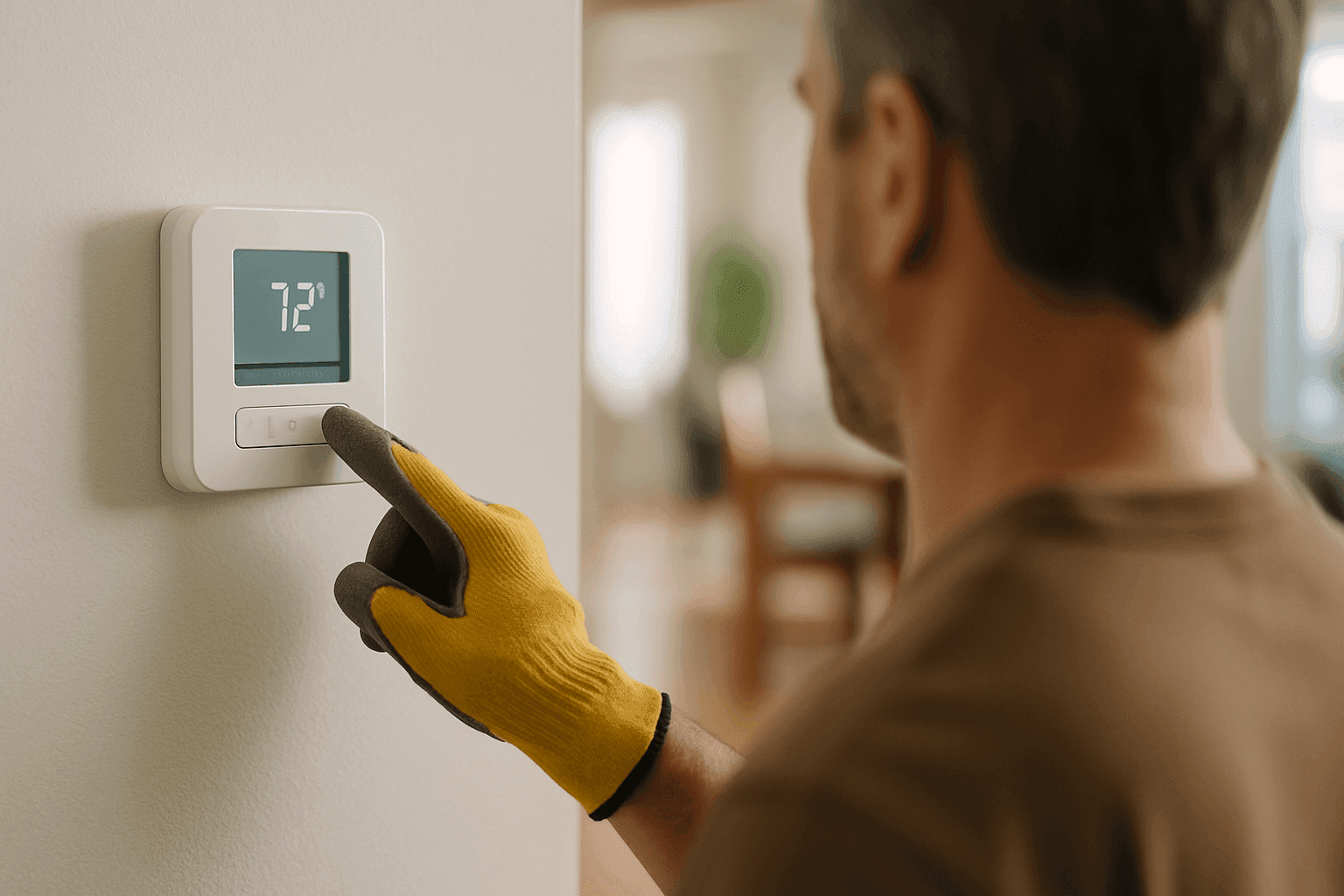
Is your home suddenly feeling more like a sauna... or maybe an icebox? Thermostat issues can throw your comfort out of whack in an instant. You don’t have time to play guessing games with your comfort—or your energy bill.
At Holmes Heating & Air, we’ve seen it all, from blank screens to wild temperature swings. Let's walk through the most common thermostat problems and how you can tackle them without breaking a sweat.
Basic Thermostat Troubleshooting Steps 🛠️
Most thermostat problems are a lot like a car that won’t start. Sometimes it’s a big deal, but often it’s something simple—like a loose battery or a blown fuse.
Here’s where to start:
- Check the power:
If your thermostat screen is blank, check the batteries (if it uses them). No luck? Make sure your breaker hasn’t tripped. - Look at the settings:
Is it set to “heat” when you want “cool”—or vice versa? Accidental nudges happen more often than you’d think. - Location matters:
Thermostats near windows, ovens, or vents can get “tricked” by outside temperatures or drafts. - Cleanliness counts:
Dust and grime inside the thermostat can mess with its sensors. Gently remove the cover and dust with a soft brush. - Wiring:
Loose wires can cut power or cause strange readings. For safety, don’t mess with wiring unless you know what you’re doing.
Common Problems & Quick Fixes
- Dead screen:
Try new batteries. Still nothing? Check the circuit breaker. - Wrong temperature:
Compare with a separate thermometer. If readings don’t match, recalibrate or reset the thermostat. - No response:
If adjusting the temperature does nothing, make sure the system switch is on. If the fan or system doesn’t kick in, it may be time for professional hvac repair. - Short cycling:
If your heating or cooling keeps flipping on and off, check for dirty filters or if the thermostat is near a heat source.
Quick Safety Checklist
Before you touch anything:
- Turn off power at the breaker if you’ll be opening the thermostat.
- Never touch bare wires with wet hands.
- If you smell burning or see scorch marks, stop and call a professional.
- Always follow the manufacturer’s manual for your thermostat model.
- Don’t force stubborn covers or buttons.
According to the National Fire Protection Association (NFPA), improper electrical work can cause safety hazards. Take extra caution before diving in.
DIY vs. Call a Pro
There’s a line between DIY and “do not touch.”
DIY is usually safe for:
- Changing batteries
- Adjusting settings
- Cleaning dust from covers
- Replacing old thermostats with simple, labeled wiring
Call Holmes Heating & Air if:
- There’s visible wire damage or corrosion
- The thermostat is connected to a complex HVAC system (like Mini-Splits or radiant heating)
- You suspect a problem with your furnace, AC, or heat pump itself
- Your thermostat controls commercial zones or advanced setups
If your troubleshooting hits a dead end, don’t push your luck. Mishandling thermostat wiring can fry your system—or worse, cause a safety issue.
When to Replace Your Thermostat
Thermostats, like any gadget, have a lifespan. If yours is 10+ years old, it’s probably time for an upgrade. Here are clear signs:
- It won’t hold settings or often resets itself
- The screen is unreadable or flickers
- The system turns on/off at random times
- Your energy bills keep climbing for no reason
Replacing an old thermostat can help improve comfort and system efficiency. Plus, new models often support features like smart scheduling and remote access, making life easier.
Upgrading Options: What to Consider
Thinking about a new thermostat? Here’s what’s out there:
- Programmable thermostats:
Set schedules for different times, saving energy when you’re away. - Smart thermostats:
Control from your phone, integrate with voice assistants, and track usage trends. - Zoned systems:
Manage temperatures in different parts of your home or business. Perfect for houses with additions, or commercial spaces with varied needs.
Check that any new thermostat is compatible with your existing system—especially if you have radiant heating, Mini-Splits, or older equipment. The U.S. Department of Energy offers guidance on choosing energy-saving thermostats.
Professional Repair: What to Expect
When you call Holmes Heating & Air for thermostat service, here’s what we actually do:
- Inspect wiring, terminals, and connections for damage or loose contacts.
- Test voltage and continuity to pinpoint electrical issues.
- Check the HVAC system itself (sometimes, the problem isn’t the thermostat!).
- Calibrate your thermostat for accurate readings.
- Advise you honestly—if a replacement is better than a repair, we’ll tell you. No upsell. No pressure.
We’re here to solve the problem, not make it bigger.
Prevention & Maintenance
Want to keep thermostat headaches away? A little care goes a long way:
- Change batteries annually—pick a memorable date, like New Year’s.
- Keep the area around your thermostat clean and well-ventilated.
- Don’t block the thermostat with furniture or drapes.
- Schedule regular hvac maintenance to catch system issues early.
- Double-check after power outages—settings can get scrambled.
Costs & Time Factors
Thermostat fixes are often quick and affordable. Simple problems (dead batteries, loose wires) can take minutes. More complex repairs or replacements may take an hour or two.
- Battery change: under 5 minutes
- Cleaning or reset: 10–15 minutes
- Professional diagnostic: 30–60 minutes
- Full replacement: 30–90 minutes
Parts and labor vary based on your system. Investing in a modern thermostat can pay off in lower energy bills and fewer breakdowns.
When It’s an Emergency
A broken thermostat can quickly turn from minor annoyance to urgent situation. Call Holmes Heating & Air immediately if:
- The heat or AC won’t turn off at all
- You’re experiencing extreme indoor temperatures (dangerous in very hot or cold seasons)
- The system is making strange noises or smells
- You operate a business and indoor comfort affects safety, equipment, or inventory
We offer 24-hour emergency service—because comfort and safety can’t wait.
FAQ: Common Thermostat Questions
1. Why is my thermostat blank?
Usually it’s dead batteries or a tripped breaker. Try those first before calling for help.
2. Why doesn't my system respond when I change the temperature?
Check that the thermostat is set to the correct mode and temperature. If it’s still not working, you may have a wiring or system issue.
3. Can I install a smart thermostat myself?
If you’re comfortable with basic wiring and your system is compatible, yes. If not, it’s best to call a pro.
4. How often should I replace my thermostat?
Most last 10 years or more, but upgrade sooner if it’s unreliable or your energy bills spike.
Local & Seasonal Considerations
Thermostat issues can hit any time, but they’re especially annoying during the first heatwave or cold snap of the year. Seasonal humidity swings can also trick sensors—if you’re running humidifiers or dehumidifiers, keep your thermostat away from direct airflow.
Looking for Thermostats near me? Holmes Heating & Air is ready to help—whether you’re at home or running a business. We fix, install, and maintain all major brands and types, from basic to smart thermostats.
If your thermostat is acting up and you’re losing patience (or sweat), don’t wait—get the right fix, right now. Call Holmes Heating & Air now — or reach us anytime at 888-835-0228 .